
October 6, 2026

Why Laravel Developers Should Stop Building Data Tables From Scratch
Learn why rebuilding data tables slows Laravel development and how Laravel, Inertia.js and Vue.js can be combined to build powerful data-driven interfaces faster.
Why Laravel Developers Should Stop Building Data Tables From Scratch
Building a Laravel application often starts with the exciting parts — business logic, authentication, APIs, dashboards and workflows.
Then comes the data table.
And suddenly, a simple list of records turns into hours of development.
You need:
Search
Sorting
Pagination
Column management
Row actions
Bulk actions
Data exports
URL state
Responsive UI
Then you repeat the same work for the next module.
Users table.
Orders table.
Customers table.
Invoices table.
Products table.
Before long, your development team has spent a significant amount of time building and maintaining table infrastructure instead of the actual application.
The real problem with building tables from scratch
The problem isn't that Laravel developers can't build data tables.
They absolutely can.
The problem is that most of the functionality is repetitive.
For example, a typical Laravel application might need:
Users
├── Search
├── Sorting
├── Pagination
├── Column visibility
├── Row actions
└── Bulk actions

Orders
├── Search
├── Sorting
├── Pagination
├── Column visibility
├── Row actions
└── Bulk actions

Customers
├── Search
├── Sorting
├── Pagination
├── Column visibility
├── Row actions
└── Bulk actions
The business data changes.
The table infrastructure doesn't change very much.
That's where a reusable data-table solution becomes valuable.
Laravel + Inertia.js + Vue.js
Modern Laravel applications increasingly use Inertia.js to connect Laravel with modern frontend frameworks without requiring a traditional API-driven architecture.
With Vue.js handling the frontend, you get a powerful combination:
Laravel
   ↓
Data + Query + Table Logic
   ↓
Inertia.js
   ↓
Vue.js
   ↓
Interactive Data Table
The challenge is keeping the table logic organized between the backend and frontend.
That's where a Laravel-first table architecture can make a significant difference.
Define the table instead of rebuilding it
With Zonvoir Table, the idea is simple:
Define your table logic in Laravel and let the frontend render the experience.
Instead of scattering table configuration across controllers, query strings and Vue components, your table definition becomes the central place for the table's behavior.
For example:
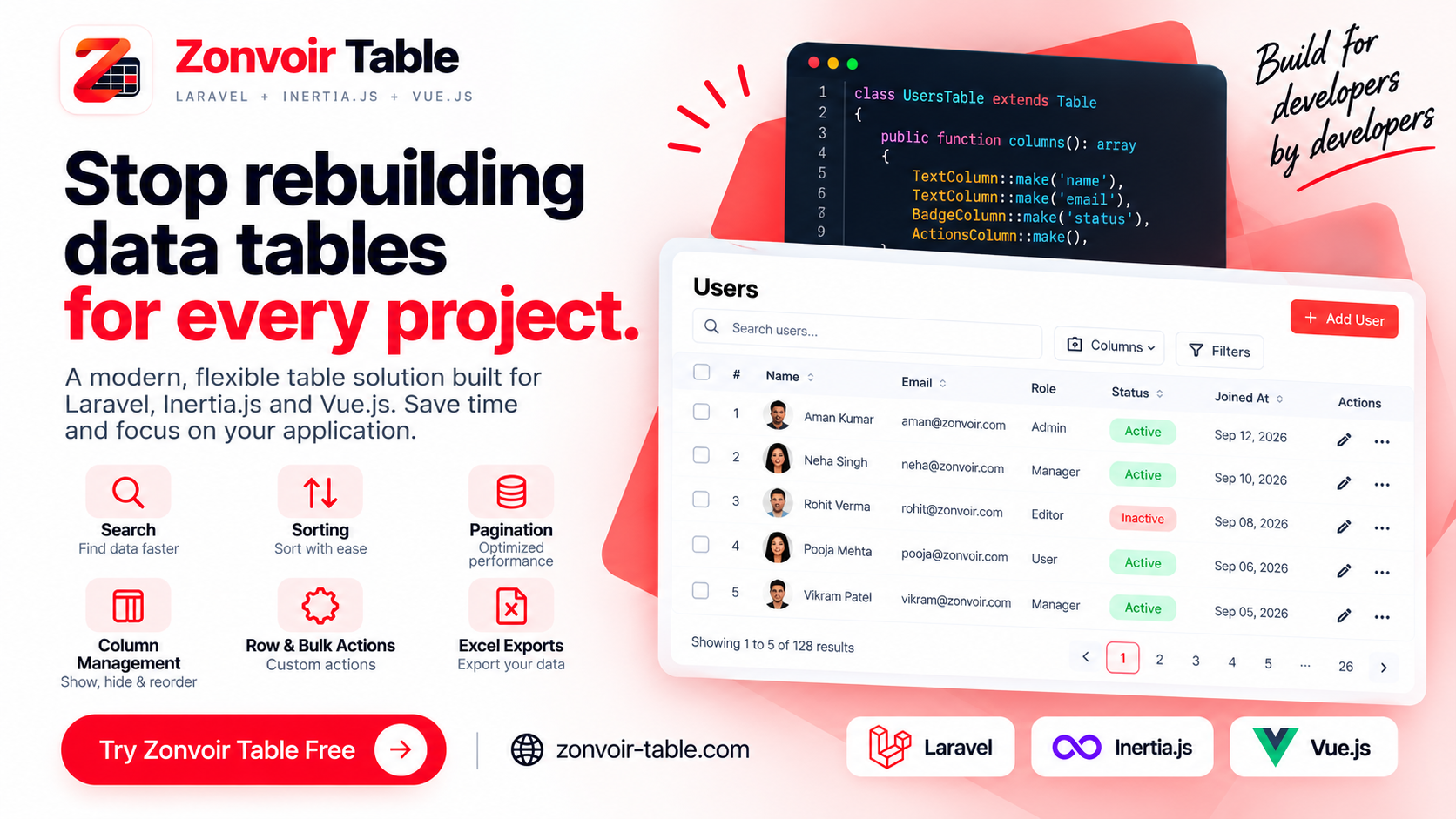
class UsersTable extends Table
{
    protected string $resource = User::class;

    public function columns(): array
    {
        return [
            TextColumn::make('name'),
            TextColumn::make('email'),
            BadgeColumn::make('status'),
        ];
    }
}
The exact implementation depends on your application, but the principle remains the same:
Keep the table definition organized and reusable.
Search, sorting and pagination
These are some of the most common requirements for any business application.
A users table may need:
Search → name, email
Sort → name, created_at
Pagination → 25 records per page
An orders table may need:
Search → customer, order number
Sort → order date, total
Pagination → 50 records per page
When these behaviors are implemented repeatedly, maintenance becomes harder.
A reusable table layer can centralize this functionality and reduce the amount of repetitive implementation required for each table.
Column management
Different users don't always need to see the same columns.
An administrator might need:
Name | Email | Role | Status | Created At | Actionswhile another user may only need:
Name | Role | StatusColumn management makes the table more flexible without requiring you to create completely different table components.
Row and bulk actions
Business applications frequently need actions directly inside tables.
For example:
Edit
View
Delete
Activate
Deactivate
And when multiple records need to be processed:
☑ User 1
☑ User 2
☑ User 3

[ Delete Selected ]
These interactions are common across CRM, ERP, SaaS and admin applications.
A reusable table solution can provide a consistent way to handle these actions across your application.
Excel exports
Data doesn't always stay inside your application.
Users frequently want to:
Download customer data
Export orders
Analyze records in Excel
Share reports with their team
Having export functionality integrated into the table workflow can eliminate another piece of repetitive development.
Build the application, not the infrastructure
This is ultimately the reason to use a reusable data-table toolkit.
Your development team's time is better spent building:
CRM workflows
SaaS features
Business logic
Customer experiences
rather than repeatedly implementing:
“How do I paginate this table?”
“How do I add sorting?”
“How do I maintain search state?”
“How do I export these records?”
Introducing Zonvoir Table
That's why we built Zonvoir Table.
Zonvoir Table is a data-table toolkit designed specifically for:
Laravel + Inertia.js + Vue.js
It provides a Laravel-first approach for building powerful, production-ready data tables while reducing repetitive development work.
The goal isn't to replace Laravel or Vue.
It's to make the connection between your Laravel data layer and interactive frontend tables simpler.
Who can benefit from it?
Zonvoir Table can be useful for developers building:
SaaS applications
CRM systems
ERP systems
Admin panels
Internal business tools
Customer portals
Management dashboards
Custom Laravel applications
Anywhere you have a lot of structured data, you're likely going to need tables.
Start building
If you're building a Laravel application with Inertia.js and Vue.js, you can try Zonvoir Table today.
🎉 The Free version is available now.


